FFXIV Modpack
Halves2
Preset I useNeneko_Absolute
Toggle shadersShift + F3
Retired · cosmetic only
FFXIV
modpack
The character and shader setup I was running. You can do your own mods — this is just an easy install to match what I see. Two halves: a TexTools modpack for the models, and GShade presets for the look.
Get TextToolsClient-side and cosmeticNothing here changes what anyone else sees
Models, faces and gear
The modpack#
Better Hair, Better Eyes, Better Bodies, Better Faces, Better NPC Models, Better Gear, Better Butts, Nipples on Men, Body Hair for Men and more.
Install TexTools
Download it from ffxiv-textools.net.
Get the modpack
Download the .ttmp2. You can use your own mods instead; this one exists so we are looking at the same thing.
Import it
Make sure the game is not launched, launch TexTools, then top left menu → Mods → Import Modpack. Done.
Watch the version
There may be a newer version of my modpack than the one you have. Current timestamp is `Backup_2022-08-29_17-29-21.ttmp2`.
If you want the game to really pop
The shaders#
GShade, and the presets I use. Shift + F3 turns it off, so you can compare against vanilla without restarting.
Install GShade
Download it from gposers.com/gshade.
Get my presets
Download the presets and put them in Program Files → SquareEnix → FF14 → game → gshade-presets.
Pick one in game
Shift + F2, top right, then find and select which one works for you. You can switch between them to find one you like.
Which one I use
Neneko_Absolute [Gameplay].ini, though it might be too hard on your machine — try the others if so. Shift + F3 is an easy way to turn GShade off so you can compare normal against shaders.
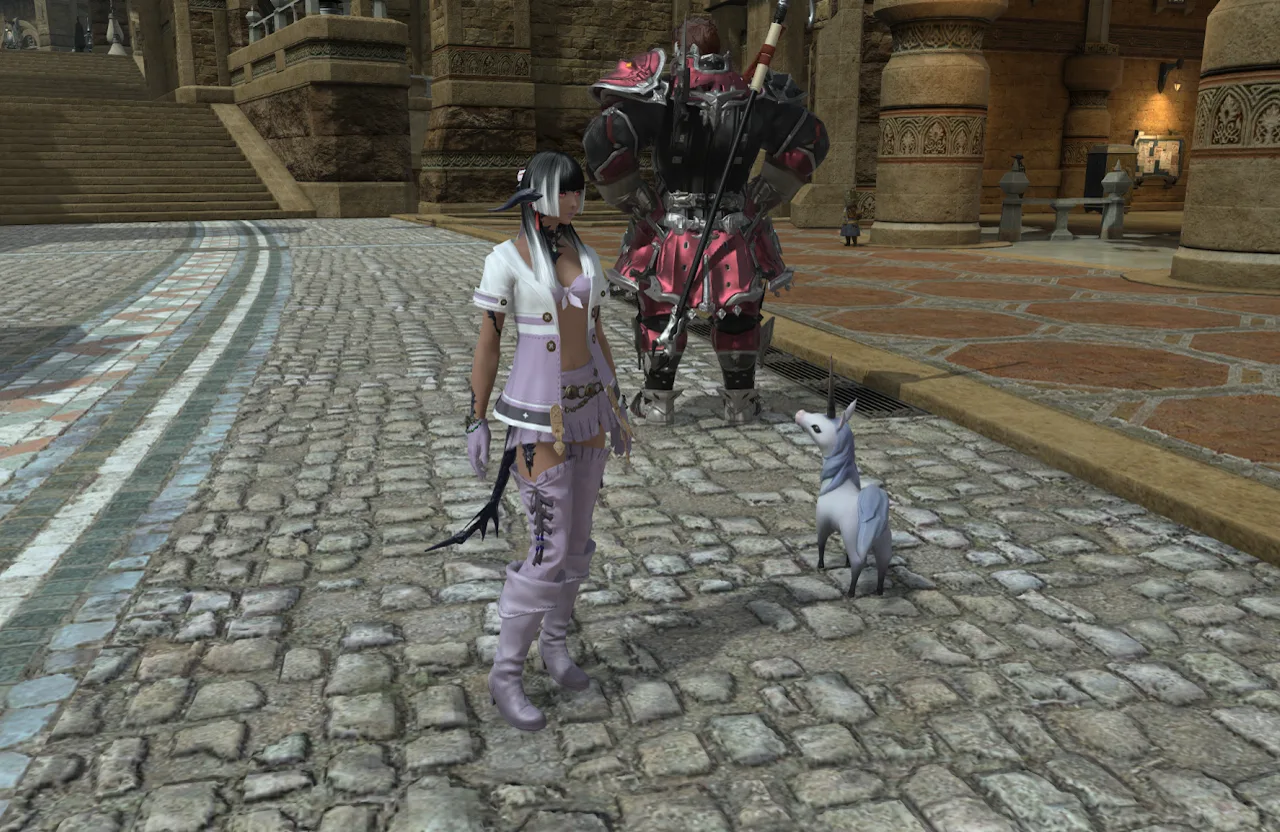
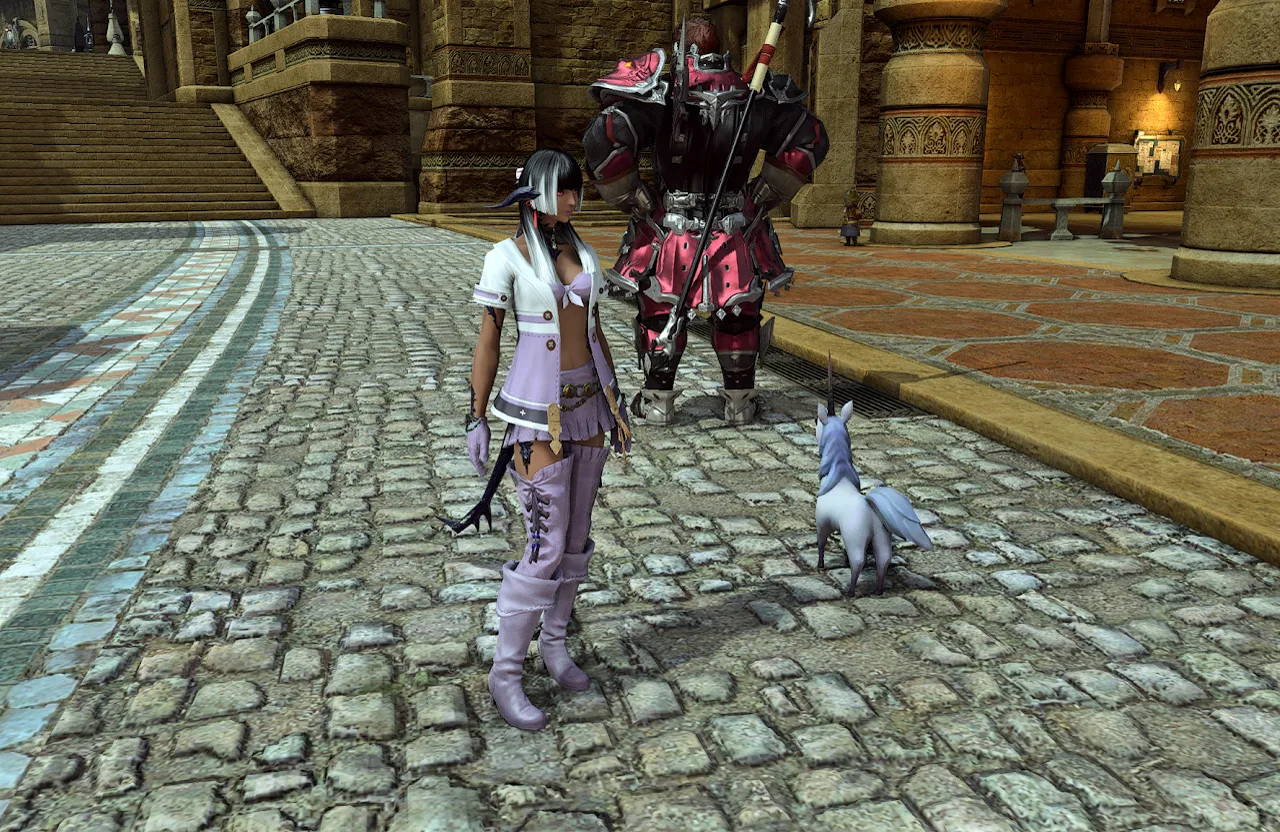
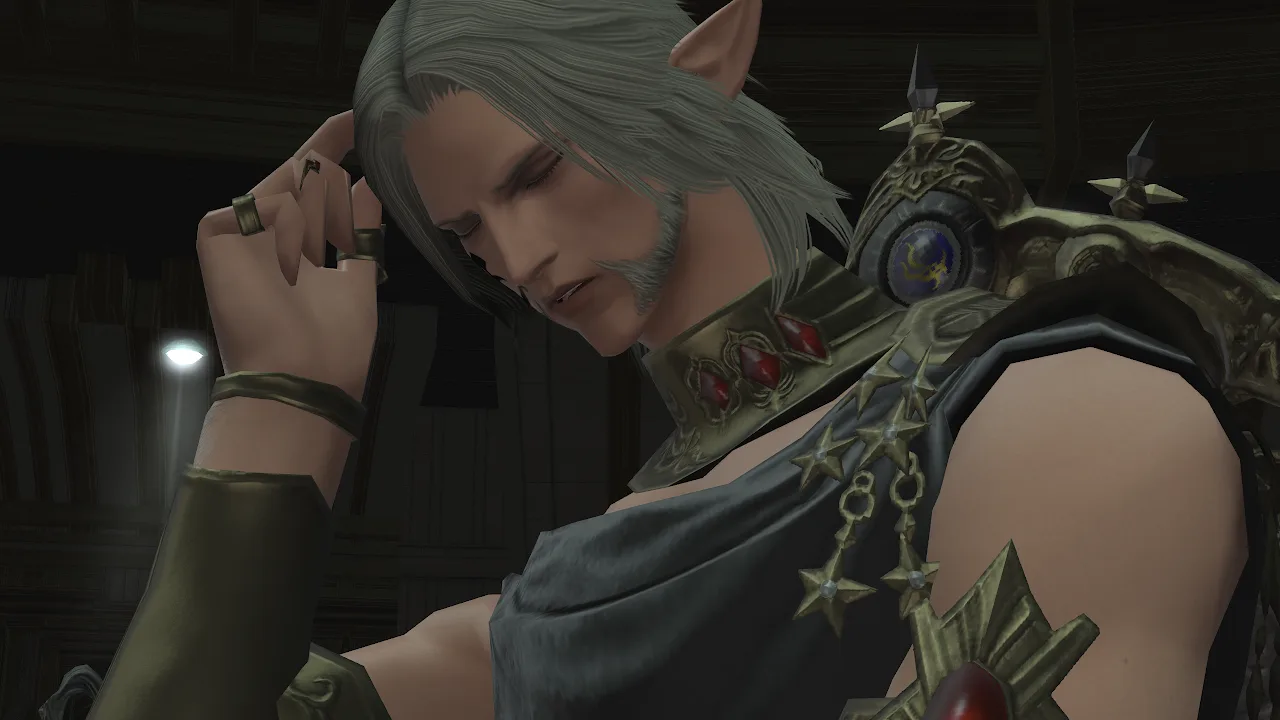
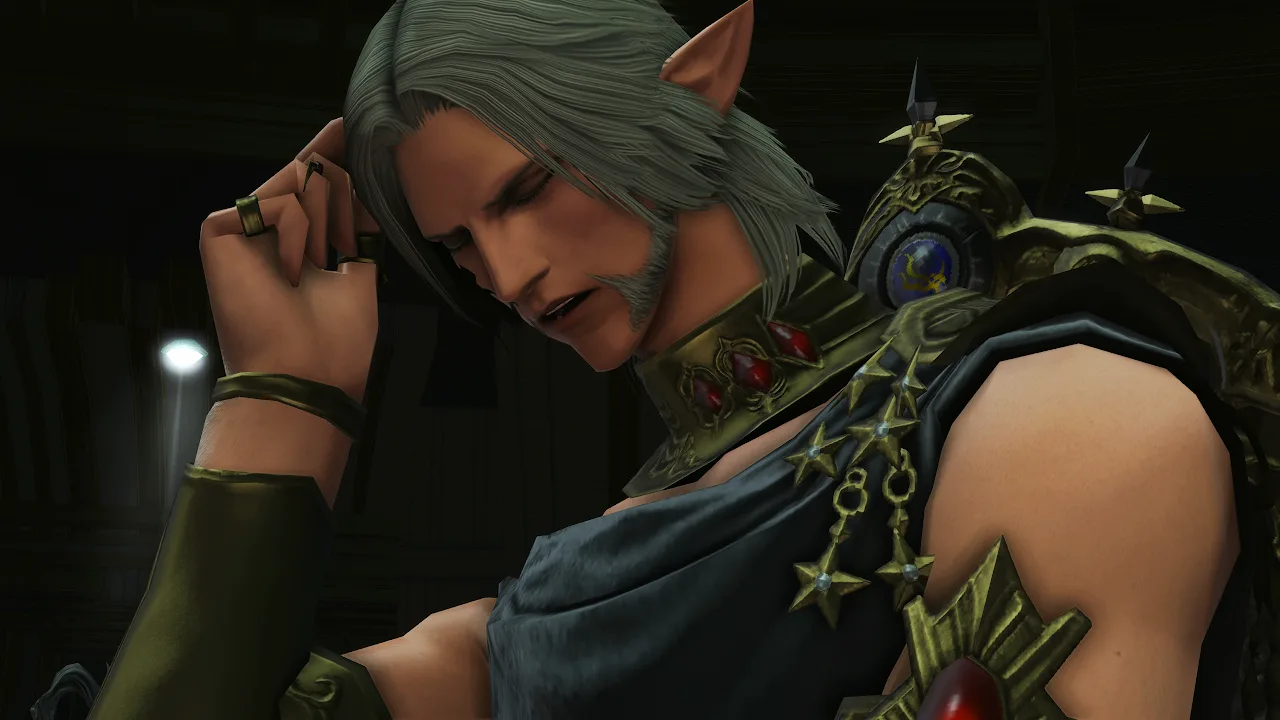
There is a side-by-side comparison on imgsli if you want to see the difference before installing anything.
Same scene, twice each
The comparison#
Notice the shaders, the lack of washed out colors and more definition.